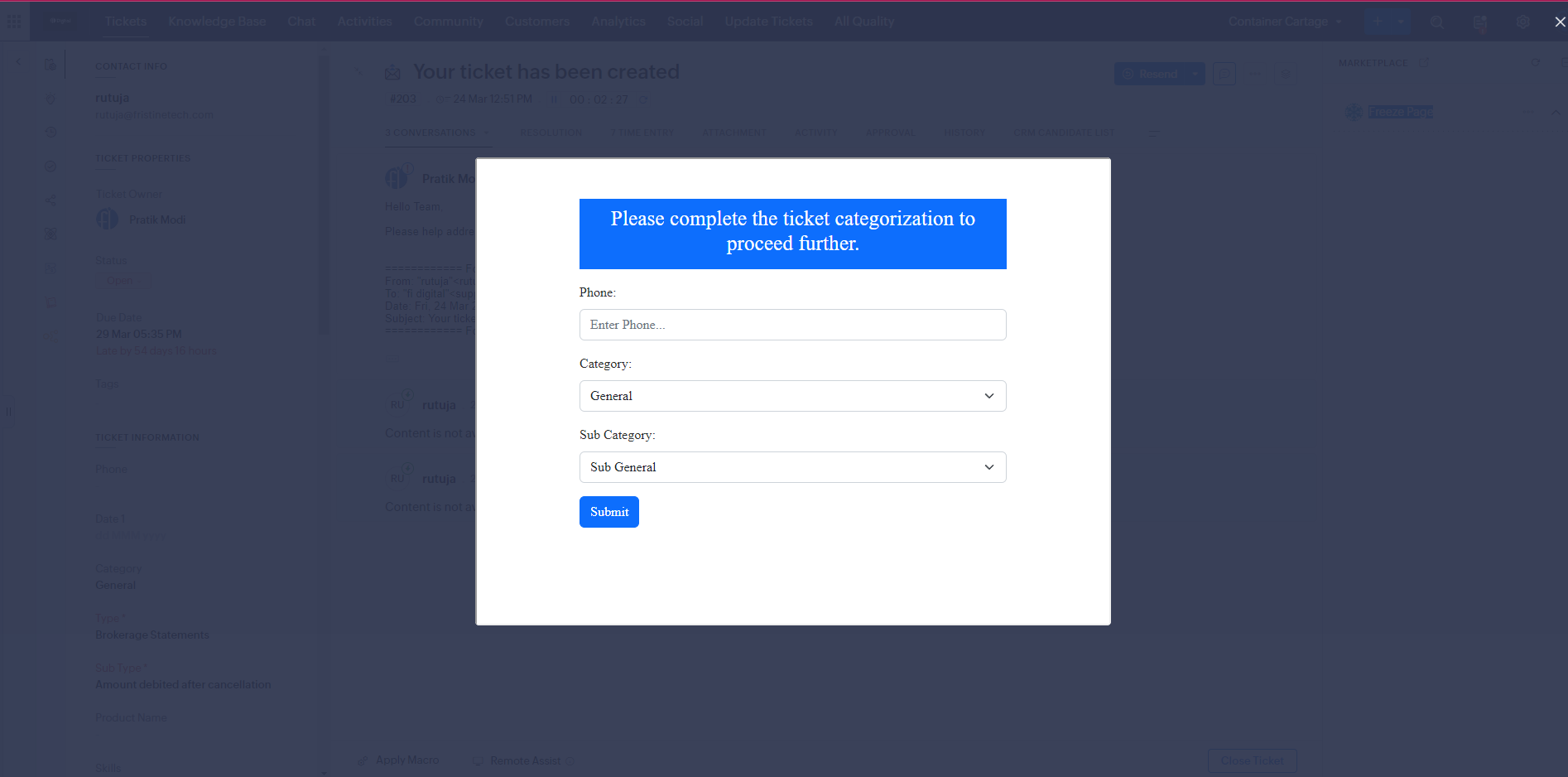
This extension helps you lock your ticket detail view and restrict the agent from accessing all other related actions, such as sending email, resolution, approval, etc. by freezing the ticket page. This functionality helps you perform ticket categorization and ensure that SLAs are not bypassed by making a compulsion of CNT tagging before the agent starts working on the ticket.
Key Features:
- Define your own set of fields for CNT categorization
- Efficient SLA tracking and management
- Boost agent performance and productivity
- Easy to use and maintain
Installation Steps
Step One
Installed the “Ticket Locking In Zoho Desk” extension, you will get two options-
- I have agreed to the terms of services
- I authorize Google Address Finder to access and process my data as required.
Then click on “Continue.”
Step Two
Next, you need to “Choose Users/Profiles.”
Select the appropriate option out of these three-
Then hit “Confirm.”
Step Three
Then choose your subscription options.
Then click on “Pay Now.”
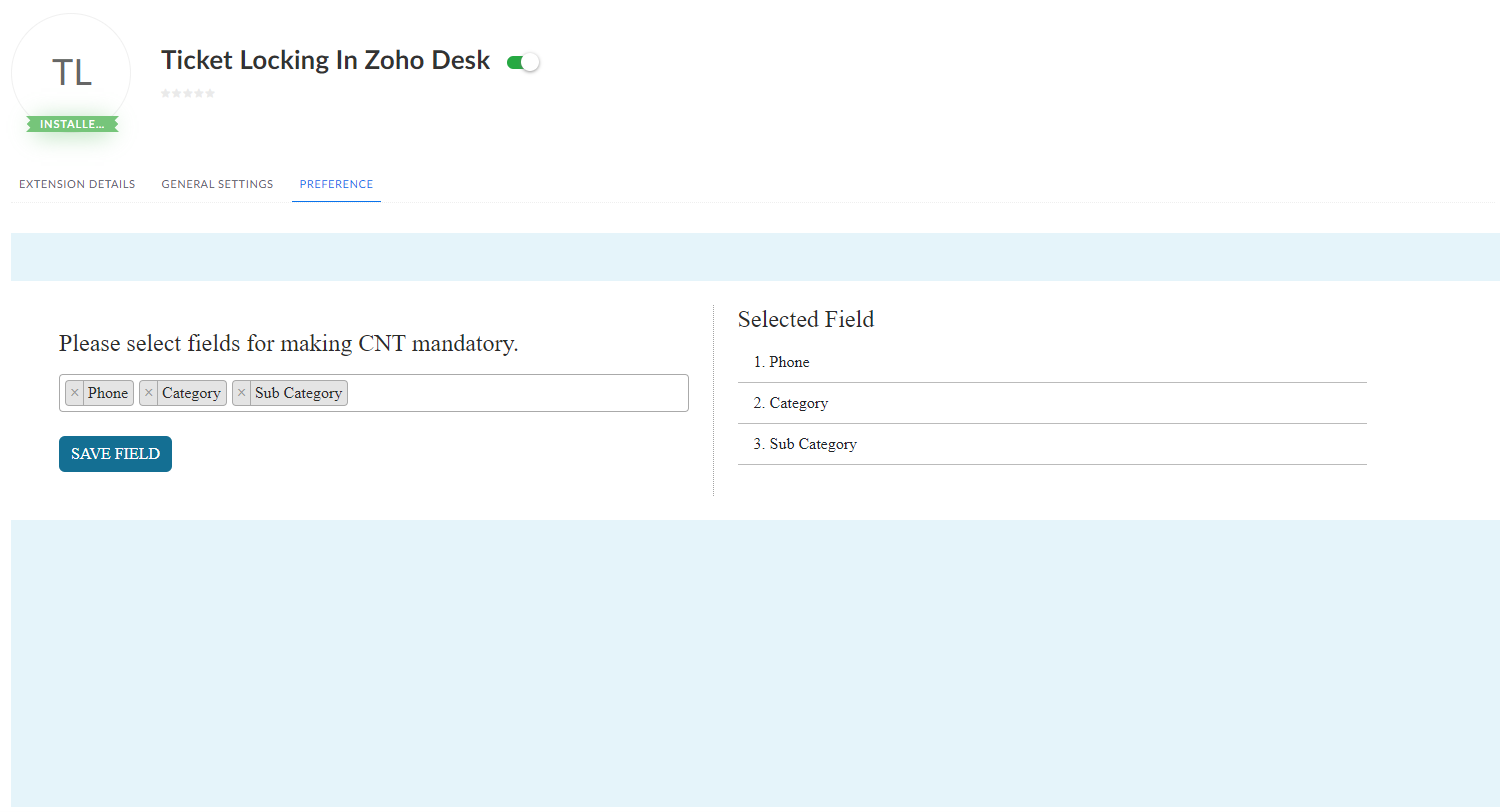
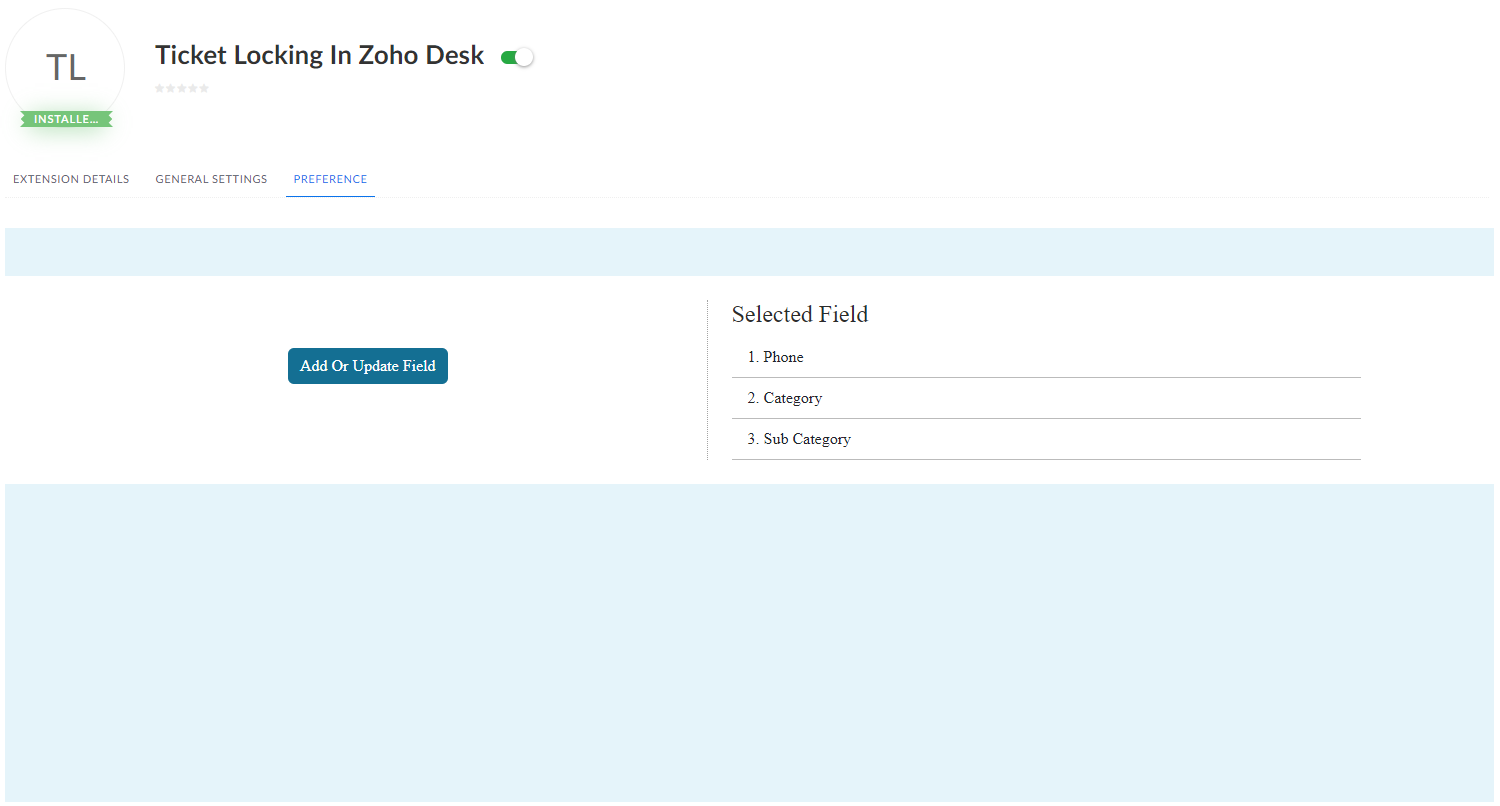
Select Fields
If you have any other questions we’ll be happy to answer them, simply send an email to zohomarketplace@fristinetech.com